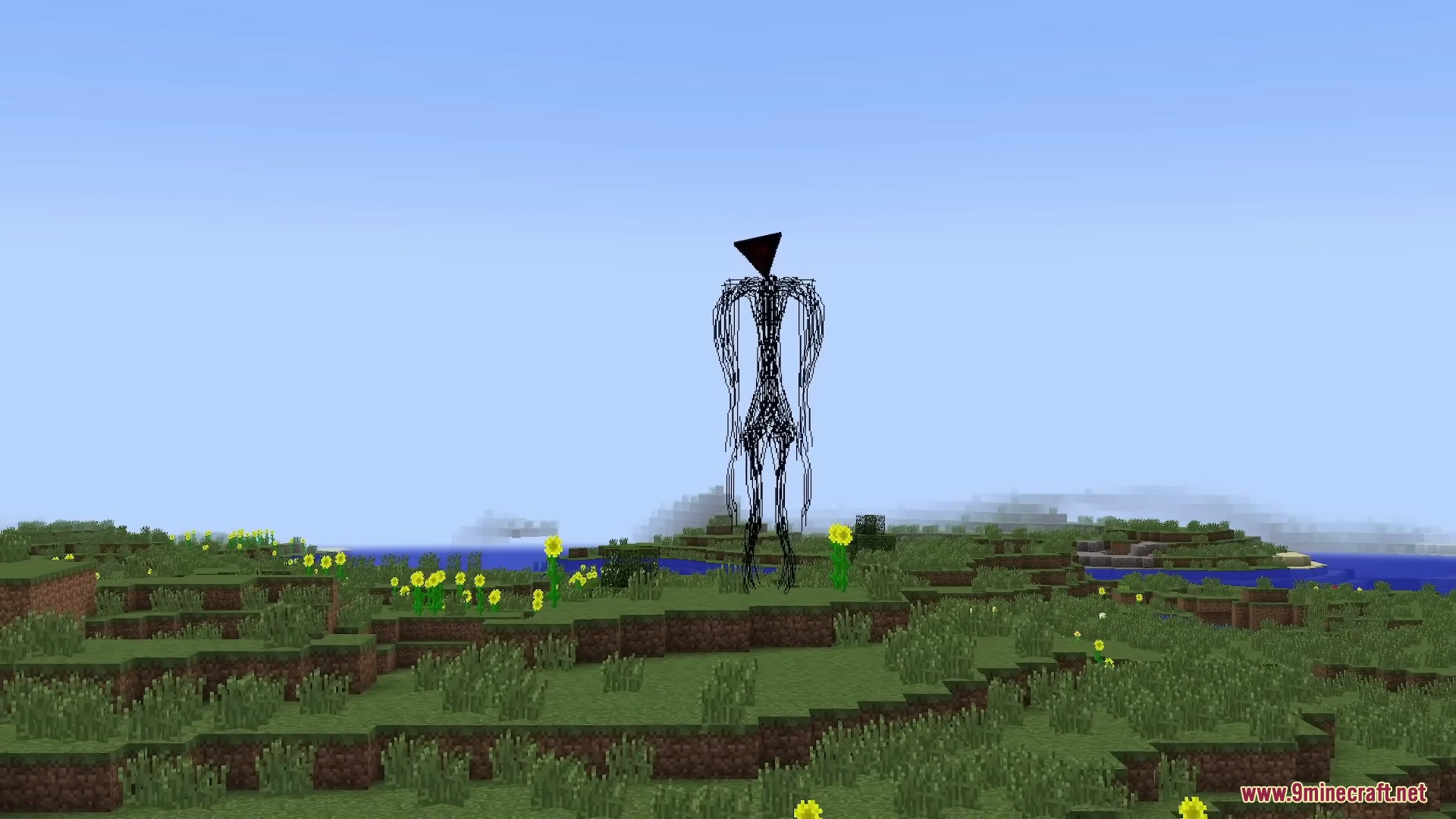
When The Broken Script Mod does not start, the most useful first question is whether the failure happens before the main menu, while loading a world or after the mod begins an intentional event. Those stages point to different causes.
Crash before the main menu
Check loader and game version first, then review missing-dependency messages in the latest log. Remove unrelated mods until the base profile starts.
World loads but effects look broken
Disable shaders and unusual resource packs. Some visual mods change rendering in ways that can conflict with horror effects or event presentation.
Nothing seems to happen
The mod is known for slow pacing. Confirm the mod is loaded, then give the profile time before treating a quiet session as a failed install.
A clean profile works but your main pack does not
Reintroduce mods in small groups. Performance, world-generation and rendering mods are good early candidates to test separately because they can touch systems the horror mod also uses.